Available on iOS · Android coming soon
Understand your spending
Upload a bank statement PDF or screenshot — no card details, no bank linking. AI-powered analysis in under a minute.
Upload a bank statement PDF or screenshot — no card details, no bank linking. AI-powered analysis in under a minute.
Upload a PDF or take a screenshot of your bank statement. Choose which pages to analyze with the page selector.
Page SelectionOur AI categorizes every expense by type, identifies merchants, and detects spending patterns — all automatically.
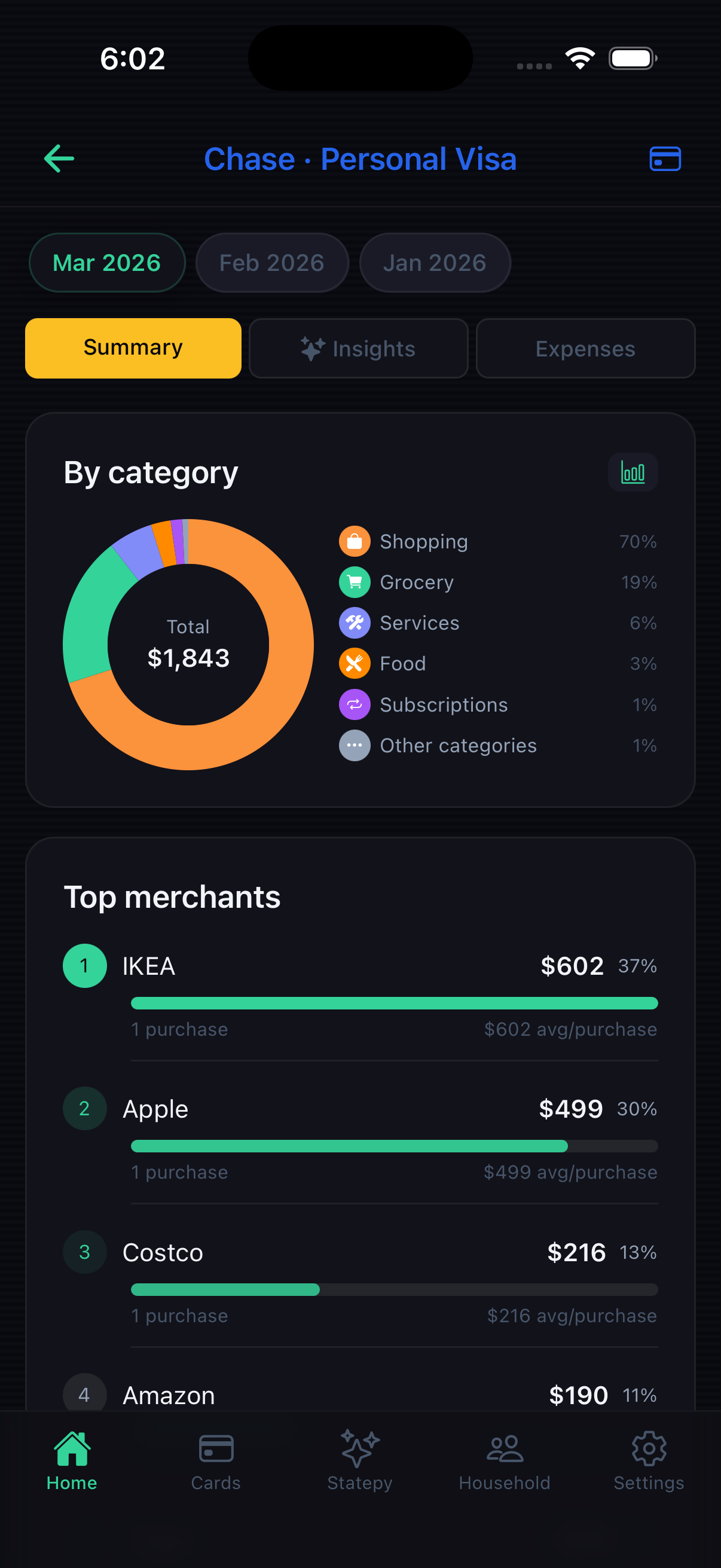
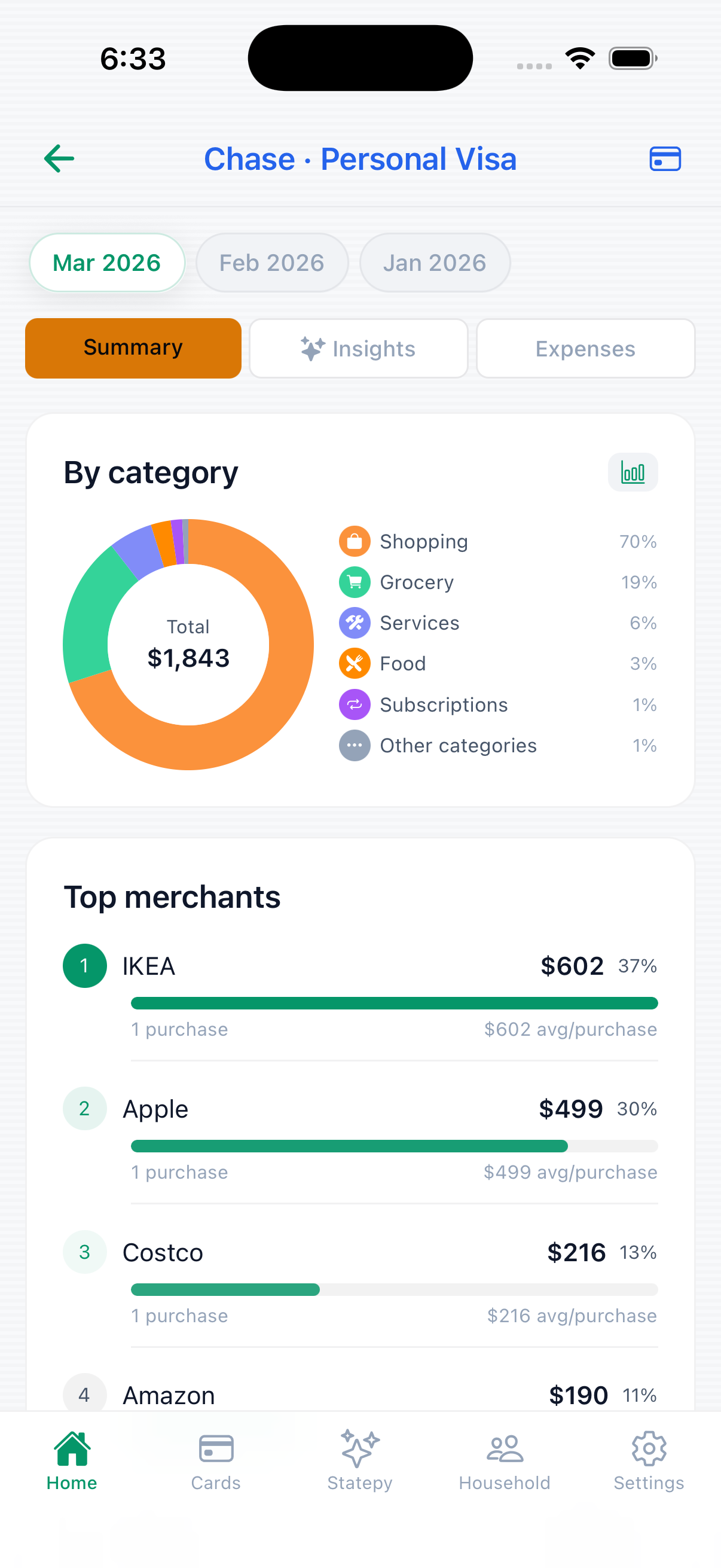
Auto CategorizationSee where your money goes with clear charts, trends analysis, and personalized savings tips.
Trends & TipsBuilt for people who want clarity, not complexity.
Upload your statement and watch AI transform raw expenses into clear, actionable financial data — charts, categories, and patterns, all automatic.
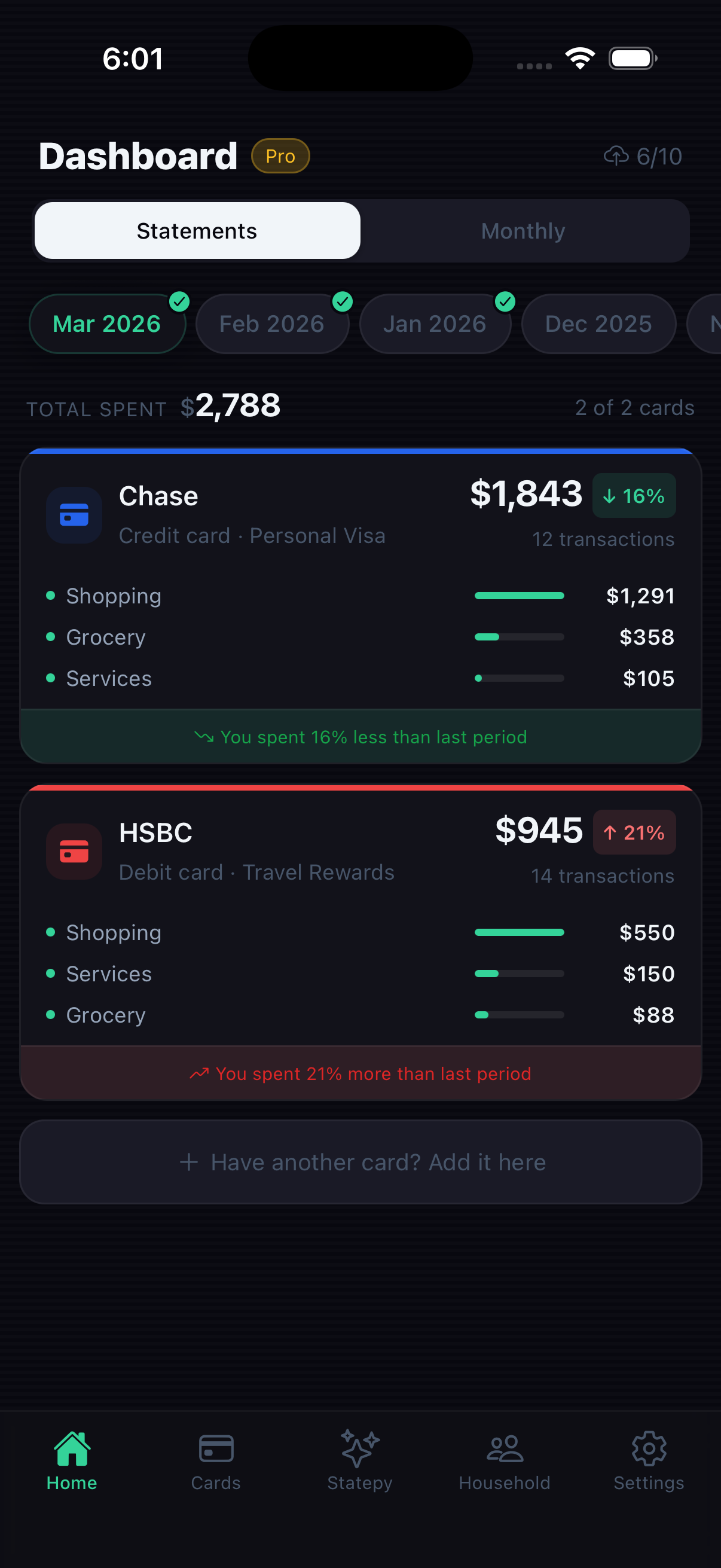
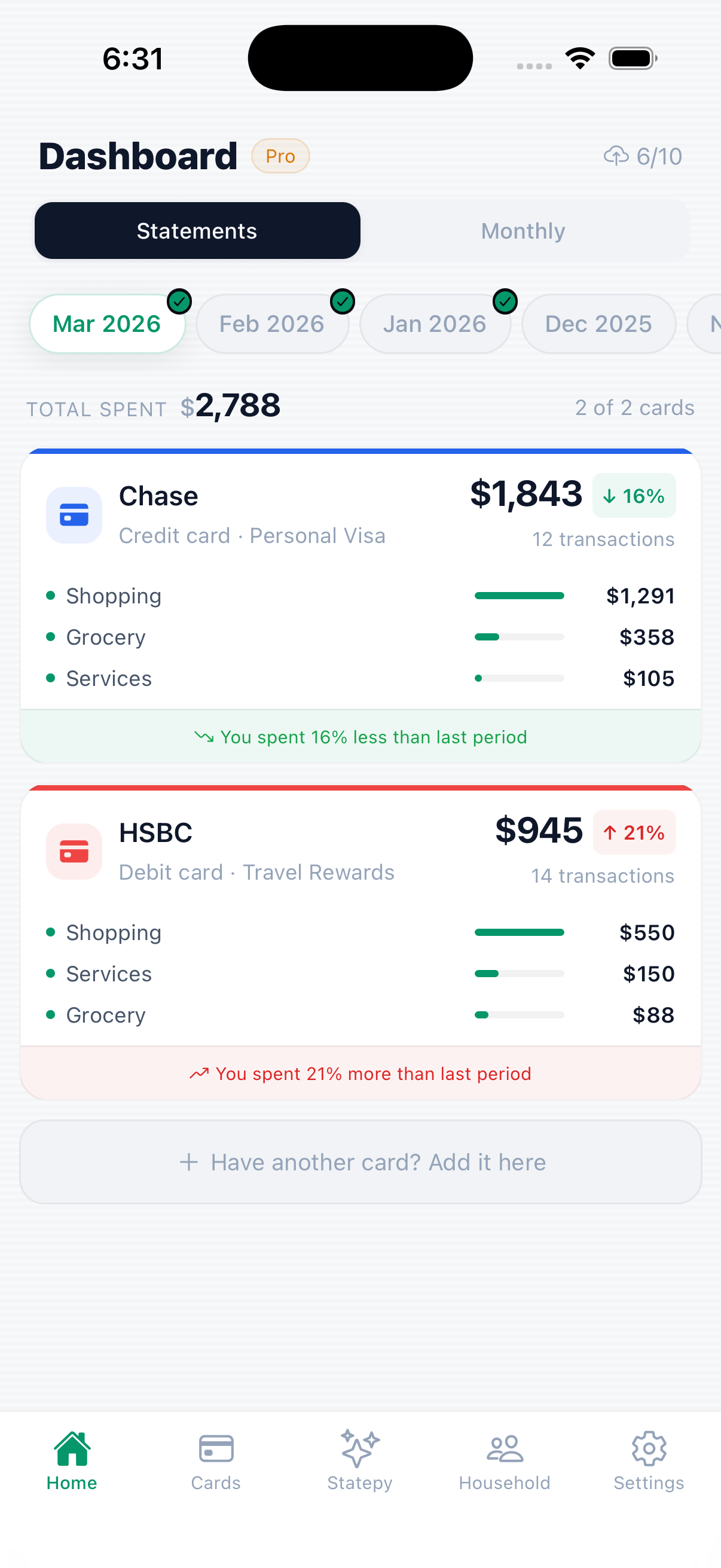
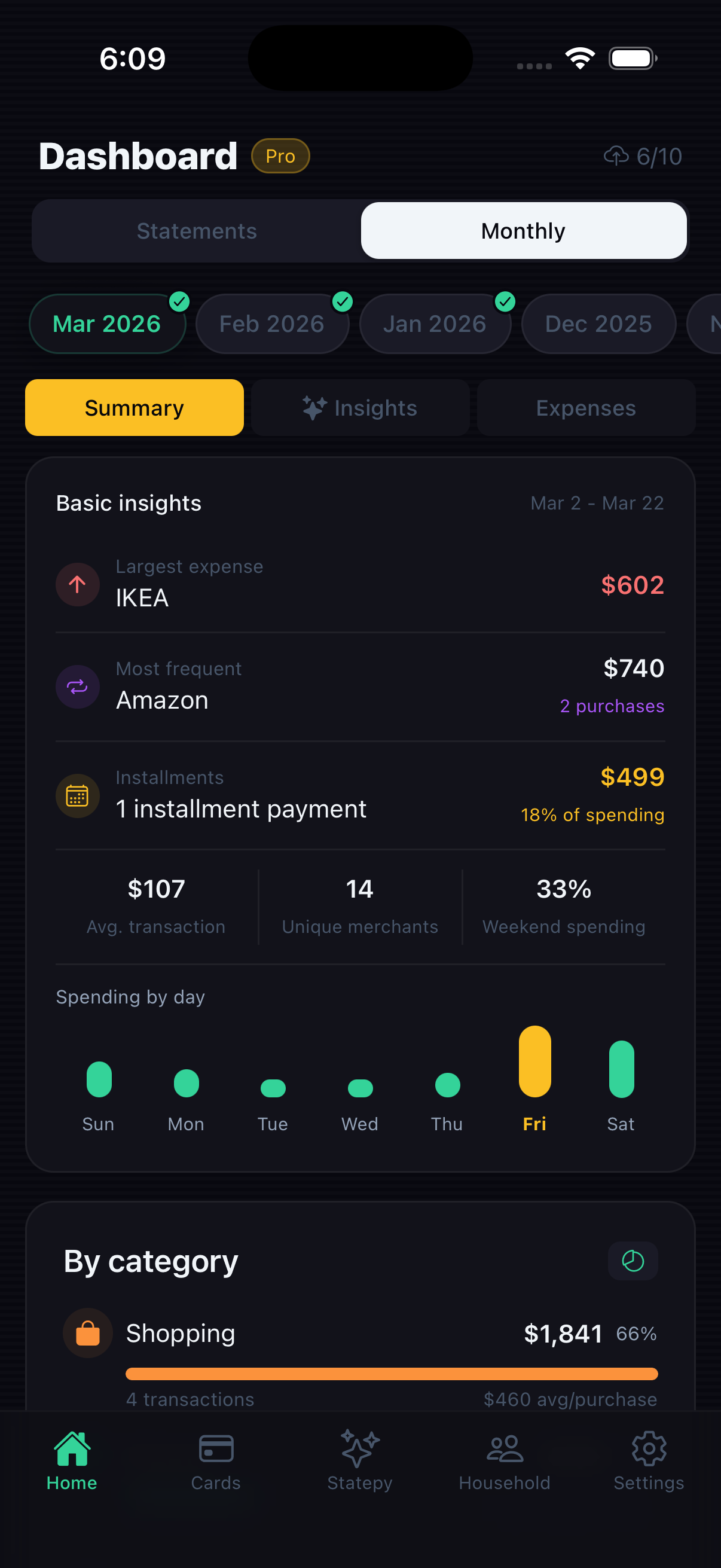
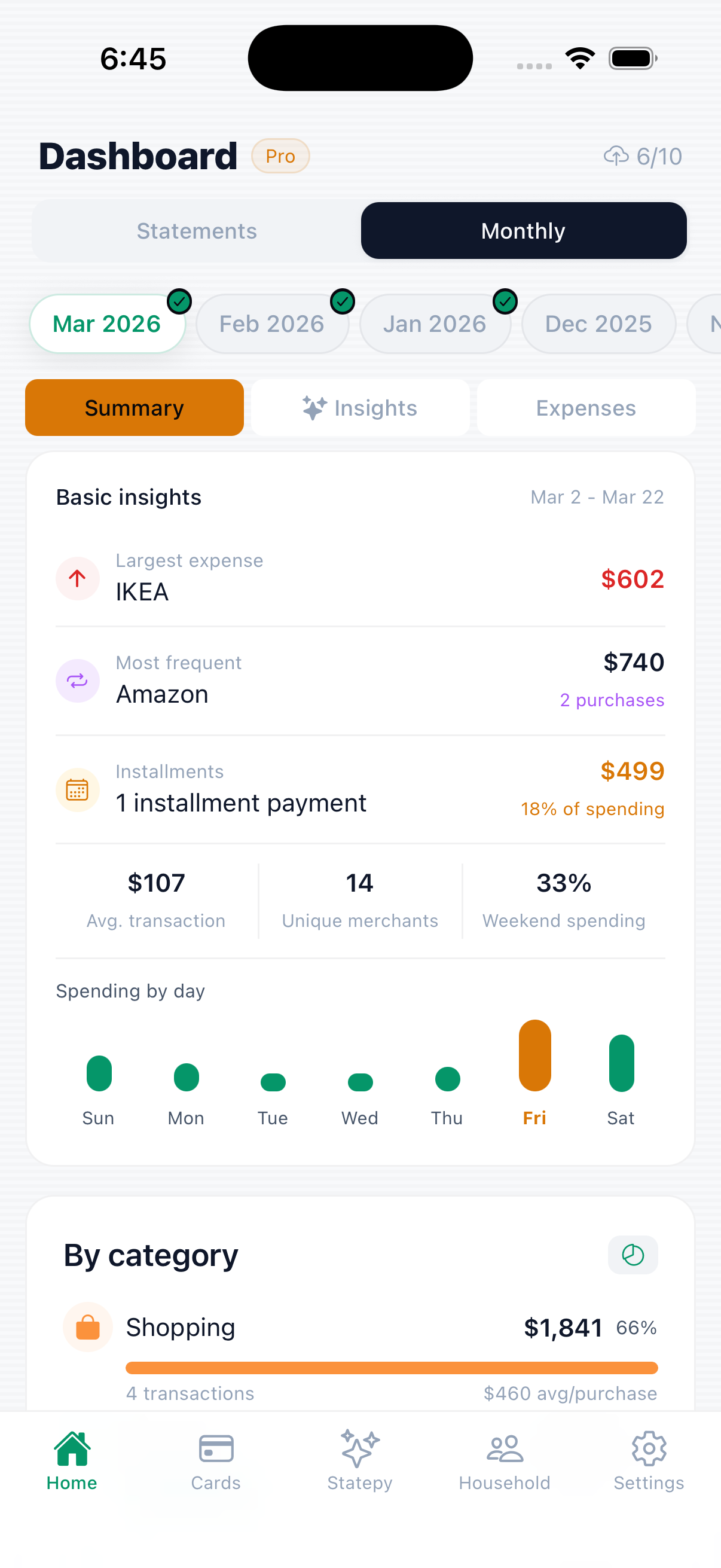
See all your spending in one place — every card, every expense, every trend. One dashboard for your entire financial month.
Add all your cards in one place. Customize colors and icons, create your own categories, and never miss a billing cycle.
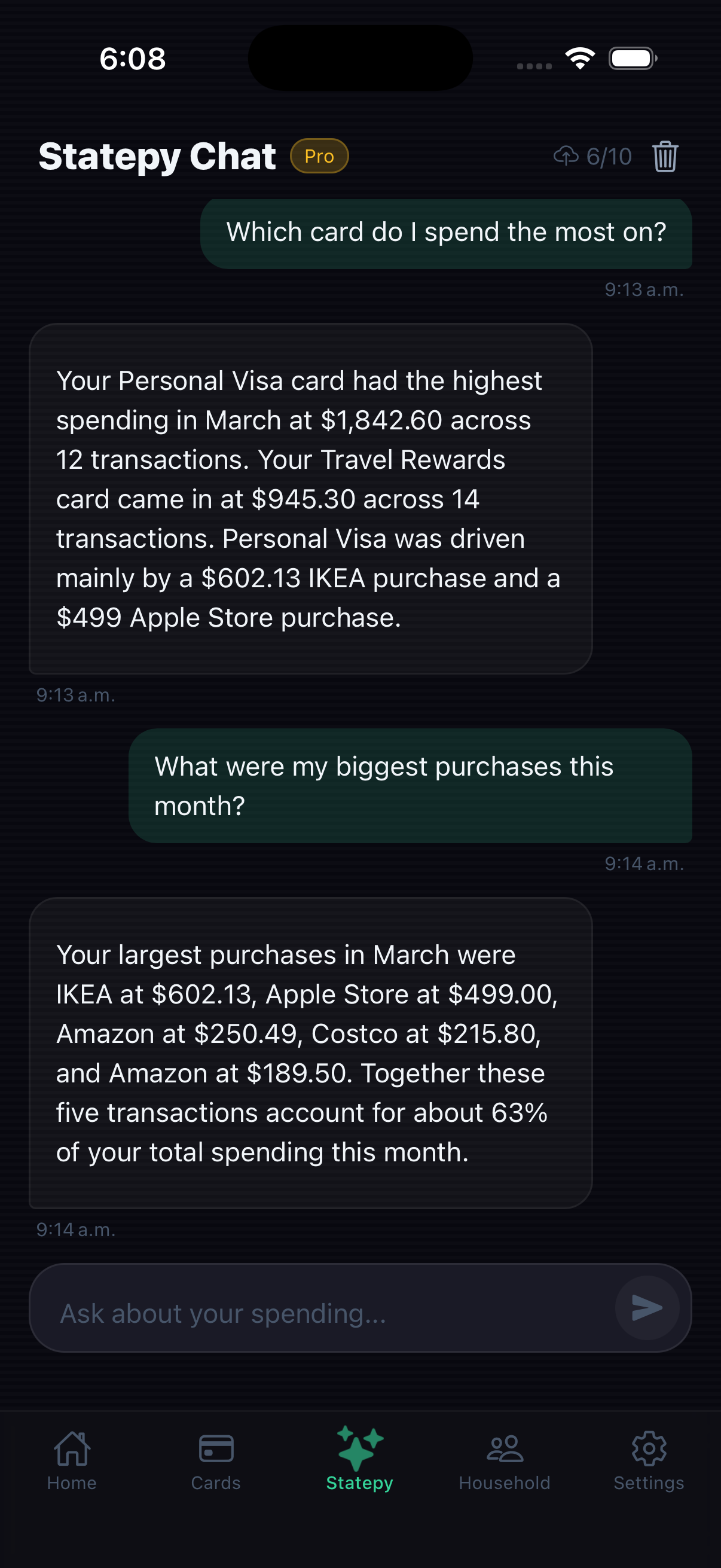
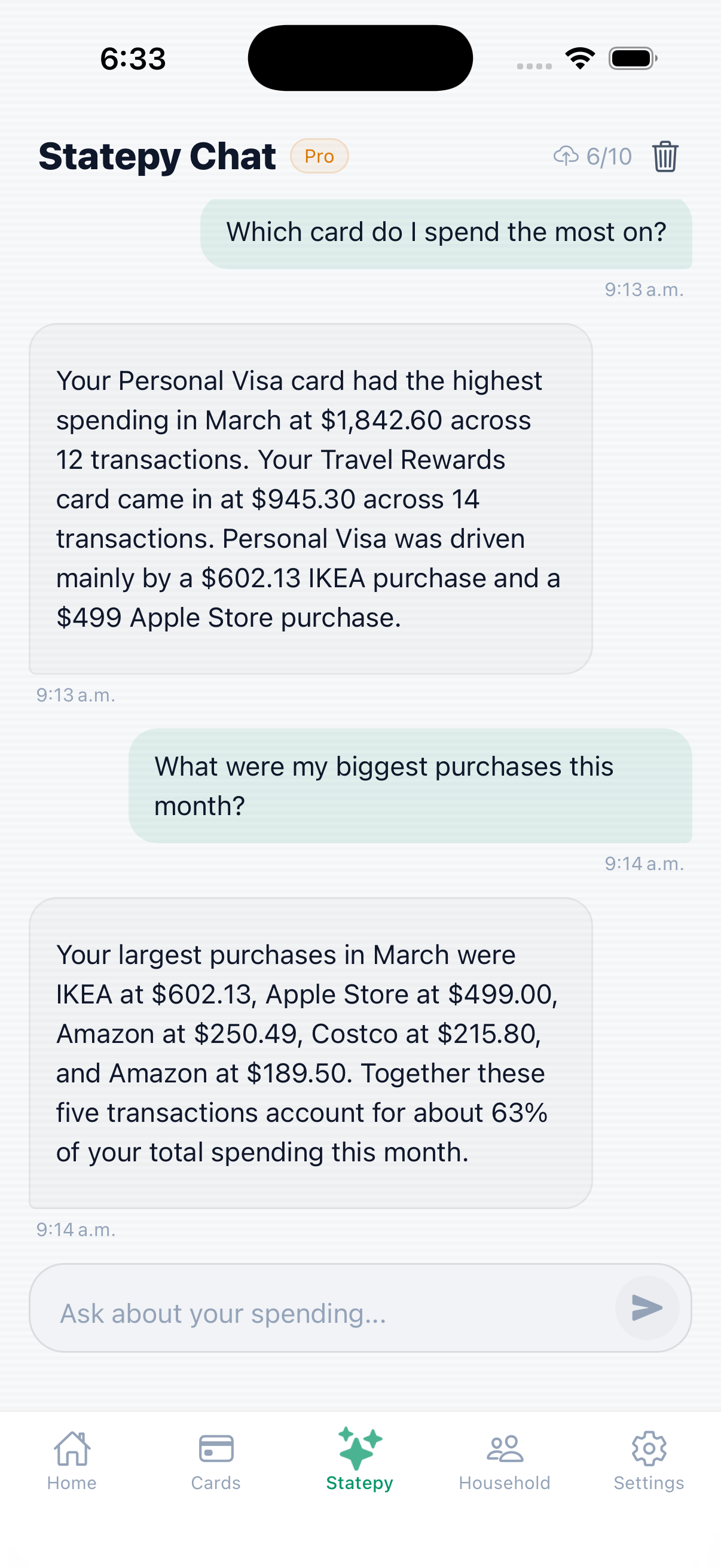
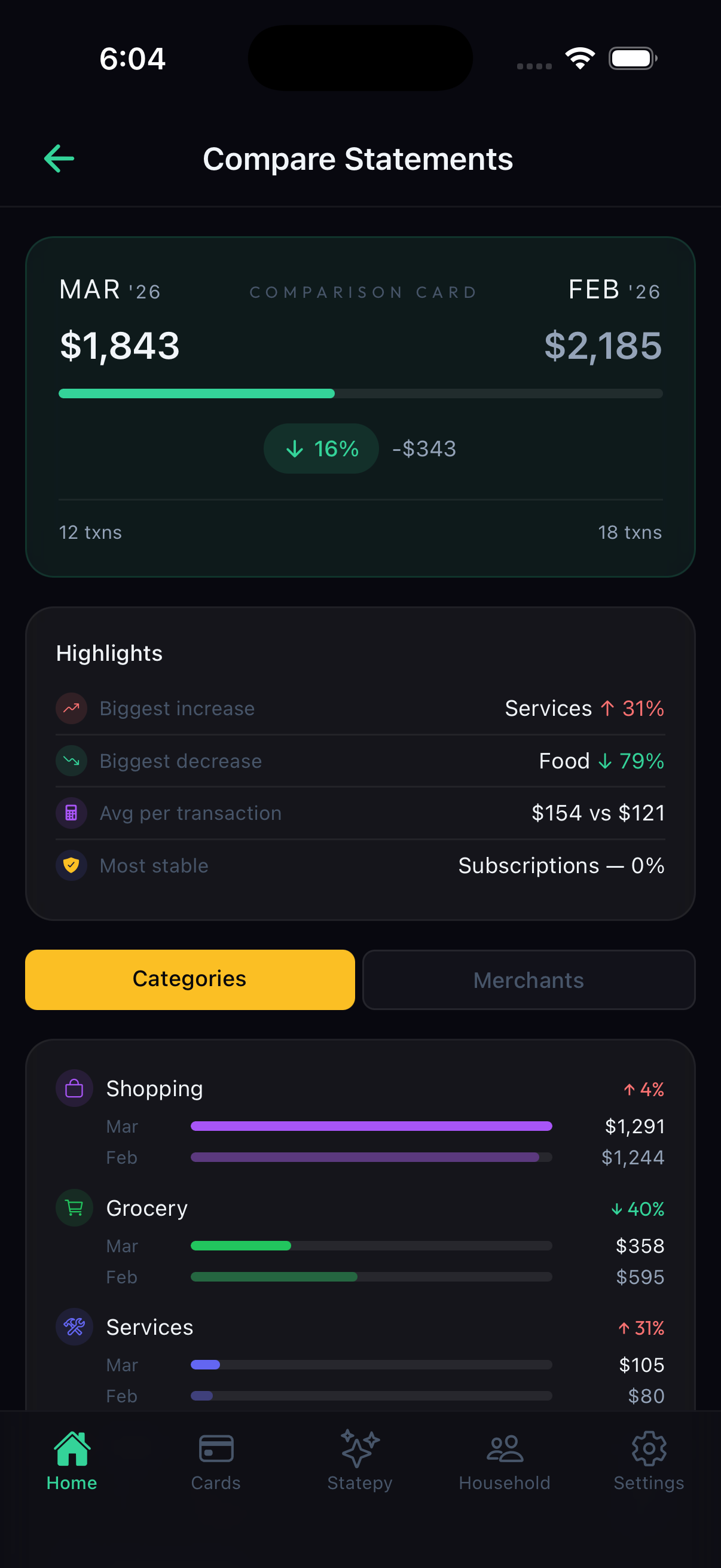
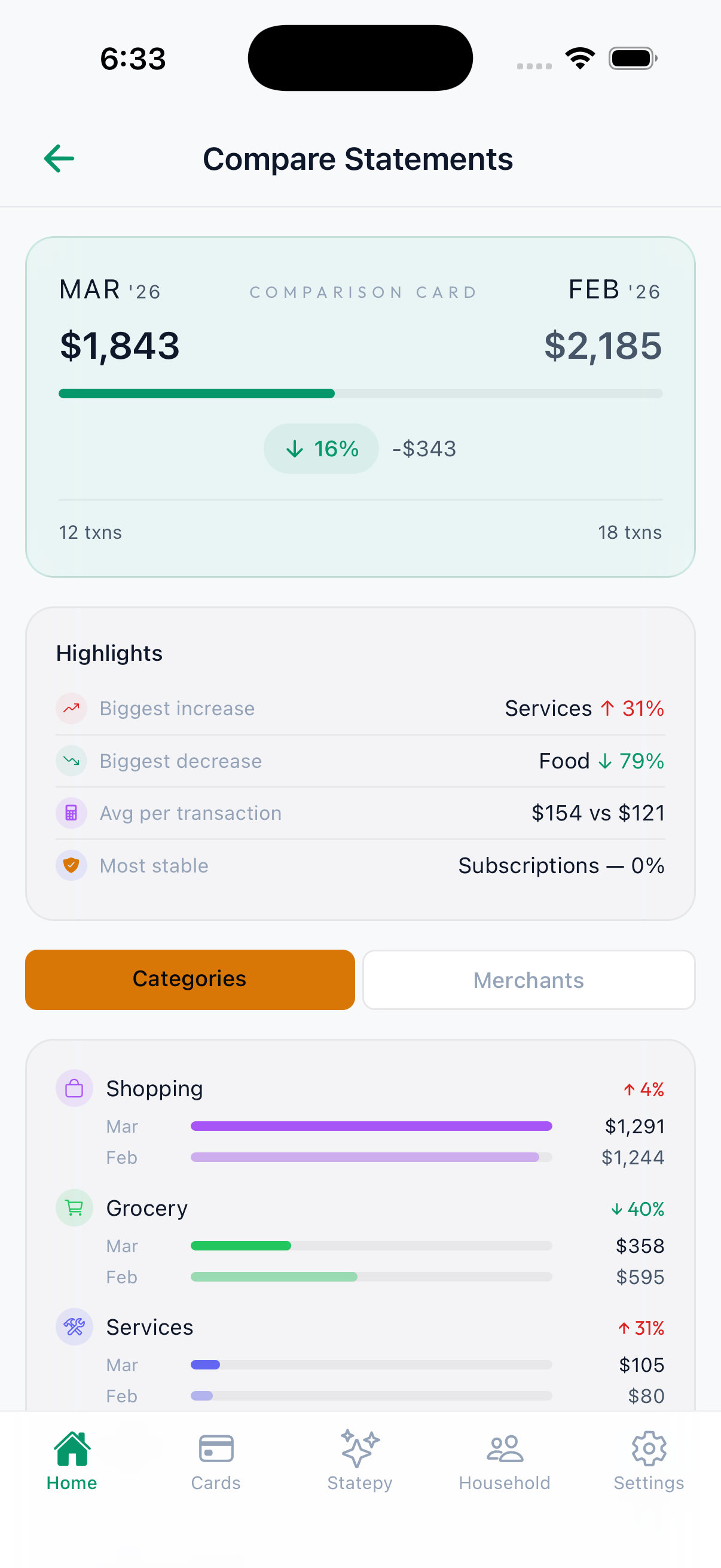
Ask questions about your spending, get AI-powered insights, compare months side-by-side, and export your data for deeper analysis.
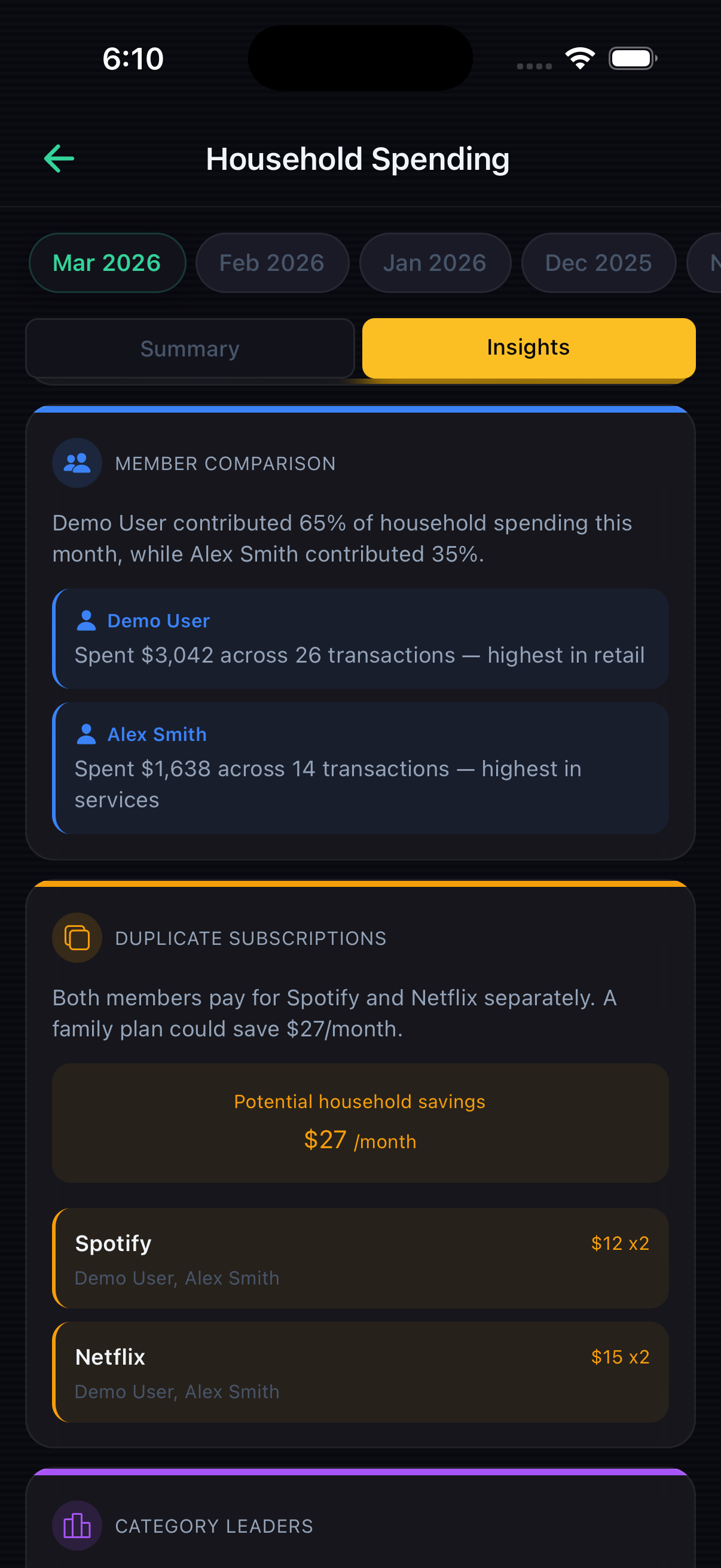
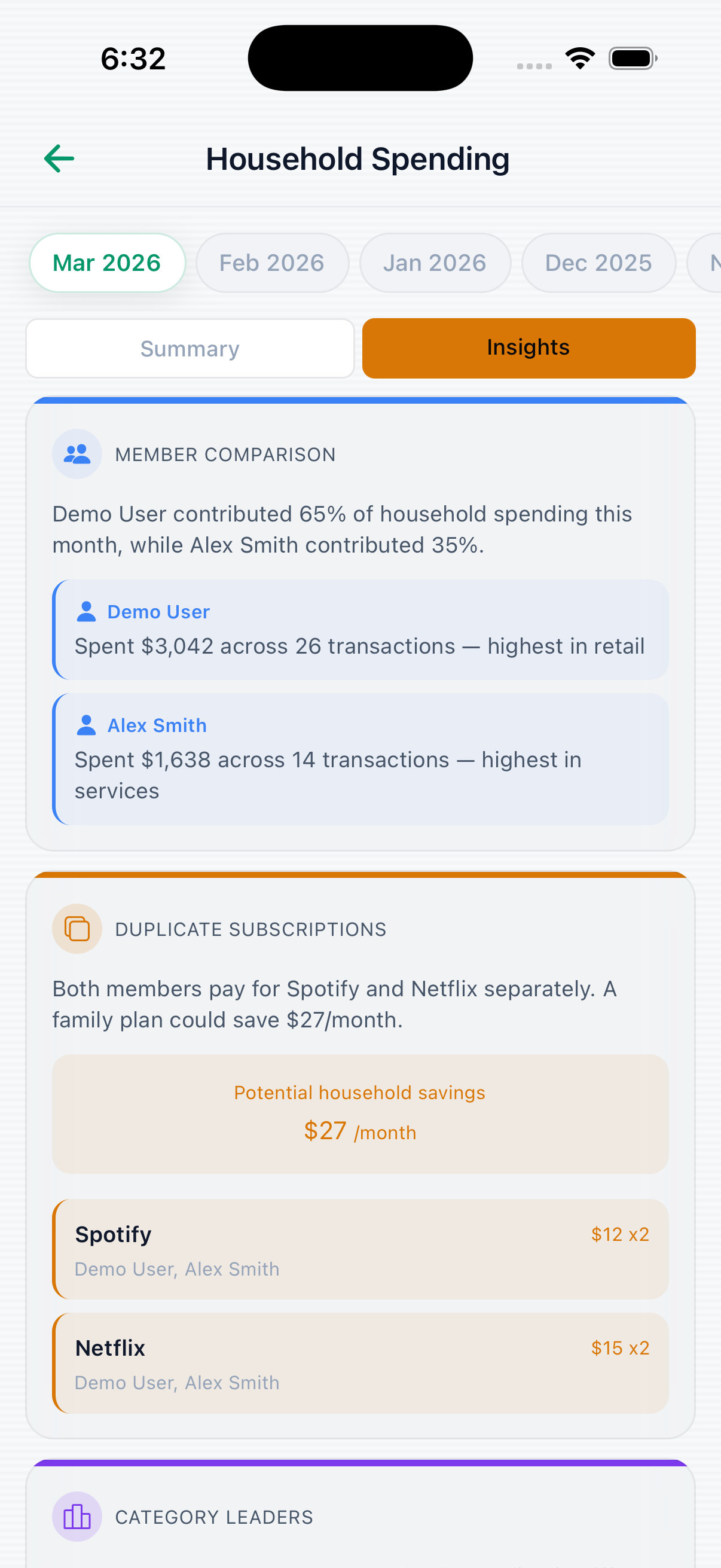
Track spending together. Create a household, invite your family or roommates, and see combined expenses in one dashboard.
The little things that make StateVu effortless to use every day.
Your sensitive financial data is encrypted with AES-256-GCM. PDFs and screenshots are deleted from our servers immediately after processing. To categorize your expenses, each statement page is rendered as an image and sent to Anthropic's Claude AI API for transaction extraction; raw account numbers, passwords, and login credentials are never included. Under Anthropic's Commercial Terms, your data is not used for AI training. You can delete all your data at any time.
No credit card required. Upgrade anytime from the app.
Everything you need before uploading a statement.
Any statement with clear expenses works. If your bank uses a unique format, try a screenshot or PDF and StateVu will still parse it.
No. Files are deleted immediately after processing; only categorized expenses are saved.
No. We use Anthropic Claude via API, and their policy does not allow training on your data.
Yes. Pro includes CSV and Excel exports for spreadsheets or accounting tools.
Usually under a minute, depending on statement length and network speed.
Yes. Subscriptions are managed by the App Store or Google Play and can be canceled anytime.
Yes! Open any PDF from your email, Files, or another app and choose "Open With StateVu." The app pre-fills the upload screen — just pick your card and month.
Yes. Toggle Demo Mode in Settings to explore every feature — dashboard, insights, AI chat, household — with sample data.
Join thousands of people taking control of their finances.